When to Use Flux AI Image Generator for Brand Visuals
In today’s digital world, compelling visuals are essential for brand recognition. Whether you’re building social media campaigns, updating your website, or launching a new product, visuals help tell your story and connect with audiences. But creating consistent, high-quality images can be time-consuming and costly — especially when working with limited resources or multiple platforms.
This is where AI-driven tools like the Flux AI image generator become invaluable. Flux-powered models offer enhanced image quality, better understanding of prompts, and consistent style outputs that fit brand needs. Now, with Flux integrated directly into platforms like invideo, creators can produce powerful brand visuals without switching tools or breaking workflows.
In this article, we’ll explore when and how to use Flux AI image generation most effectively for brand visuals — from internal design resources to live marketing campaigns.
What Makes Flux AI Image Generation Special?
Flux AI models are designed to generate images that remain sharp, visually cohesive, and aligned with a descriptive prompt. This means you can write what you want — such as “premium lifestyle product shot with warm lighting and clean background” — and the model will interpret and render that concept into a detailed image.
Unlike early AI image tools that produced vague or stylized outputs only suitable for concept work, Flux models emphasize:
- Clarity and detail that feel professional
- Accurate rendering of shapes, lighting, and context
- Style consistency over multiple images
- Better understanding of brand and design prompts
This level of control makes Flux ideal for generating visuals that align with brand identity rather than abstract or artistic effects alone.
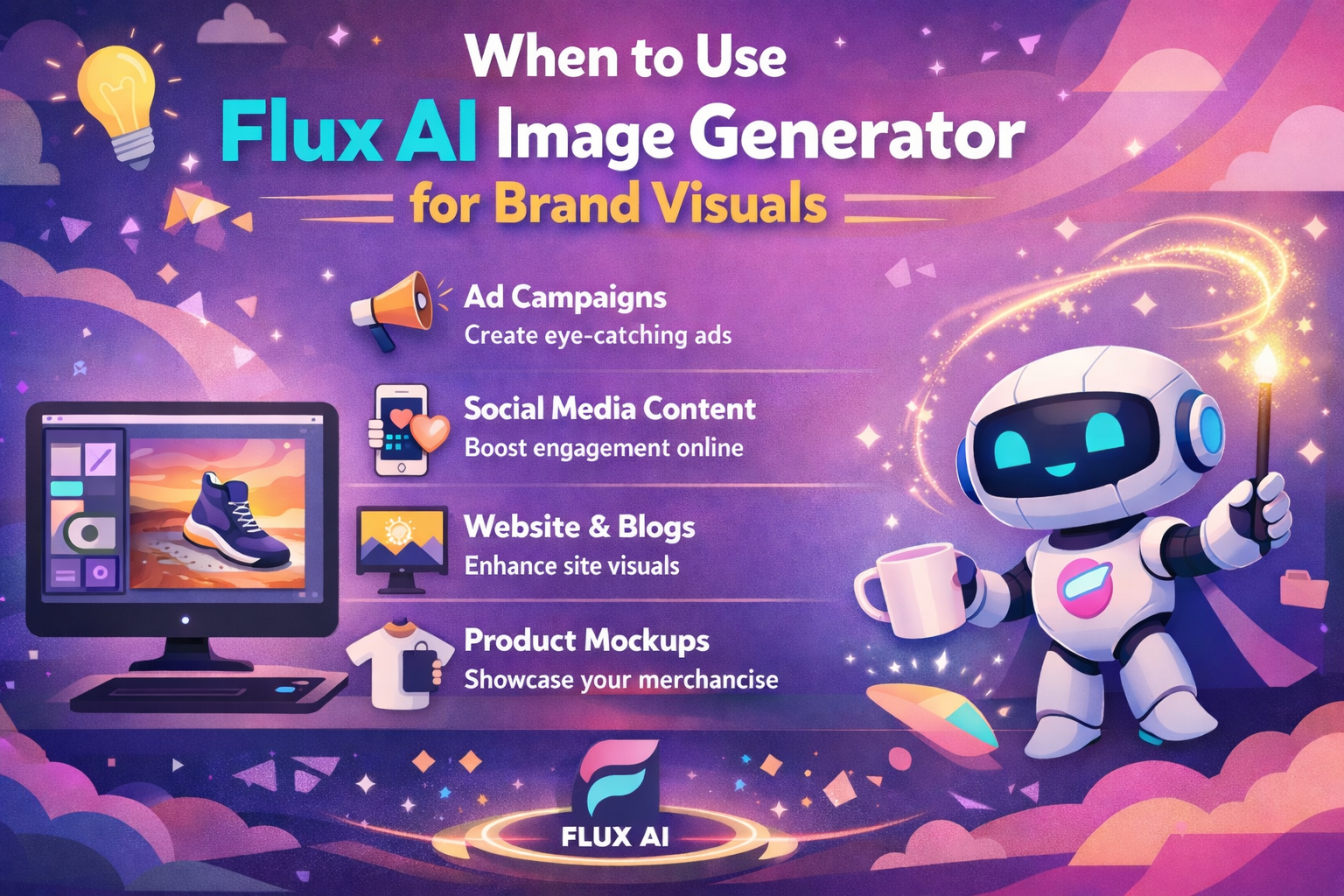
Brand Visuals You Can Create Using Flux AI
Before diving into when to use Flux, let’s look at the types of brand visuals it supports:
1. Product Images
You can generate clean, professional product images quickly — useful for e-commerce catalogs, promotional graphics, and product listings. Flux understands shapes and lighting well enough that product items feel realistic and visually compelling.
2. Marketing Creatives
From ad banners to email headers, Flux can generate visuals that support your message. Imagine generating multiple versions of a seasonal campaign concept without needing a designer for every variation.
3. Social Media Visuals
Flux is ideal for creating on-brand images tailored to social platforms. Whether it’s Instagram posts, featured images, or story visuals, the model can produce images that match your brand’s colors and style.
4. Website and Landing Page Graphics
A/B testing landing pages often involves switching visuals. Using Flux, you can quickly generate variants to test which visuals drive better engagement.
How Invideo Makes Flux AI Even More Accessible
Creating great visuals is one thing — integrating them into effective content is another. That’s where invideo’s integration of the Flux AI image generator stands out.
Invideo allows users to generate images using Flux directly within the platform, meaning you don’t have to generate visuals externally and then upload them. Instead, you can:
- Write prompts inside invideo
- Generate images with Flux AI
- Use those images immediately in video timelines
- Resize, animate, or integrate them into motion graphics
This seamless access eliminates tool switching and speeds up visual creation. Content creators, marketers, and designers can build videos and still assets from one place, saving time and maintaining a consistent style.
When to Use Flux AI Image Generator for Brand Visuals
Now that we understand what Flux image generation offers, let’s explore specific scenarios where it’s especially useful for brand work.
1. When You Need Visual Consistency Across Multiple Campaigns
Brand recognition relies heavily on visual consistency. Whether you’re posting weekly social content or running a multi-channel campaign, the look and feel of your visuals matter.
Flux AI image generation helps maintain consistency by:
- Producing images with similar lighting and style
- Following brand color and composition cues
- Generating multiple images based on a single style prompt
This means every asset feels like part of the same visual family — even if they’re created separately.
2. When You Don’t Have a Dedicated Design Team
Not all teams have access to full-time designers. Flux AI lets non-designers create high-quality visuals with simple, descriptive prompts.
If your team needs to:
- Create visuals quickly for product launches
- Update marketing creatives on the fly
- Produce seasonal variations without hiring freelancers
Flux becomes an efficient alternative that doesn’t compromise quality.
3. When You’re Experimenting With Concepts
Ideation often requires mockups or concept visuals before final design decisions are made. Instead of waiting for a design team to produce drafts, Flux AI can help you generate prototype visuals fast — so you can:
- Validate concepts with stakeholders
- Test visual concepts with focus groups
- Create pitch visuals for approvals
This iterative rapid prototyping helps save both time and budget.
4. When You Need Platform-Specific Visuals Fast
Different platforms demand different image sizes and compositions. An image that works on a website might not perform well on Instagram or TikTok.
Flux helps by:
- Allowing prompt adjustments for format differences
- Generating visuals based on the aspect ratio needs
- Producing multiple versions for each platform
This flexibility helps ensure visuals always look their best — regardless of where they’re displayed.
5. When You Want to Enhance Existing Assets
Flux AI isn’t only for creating visuals from scratch. It can also enhance or reimagine existing creative assets.
For example:
- You have a product photo that needs a cleaner background
- You want a new version of a lifestyle shot with a different mood
- You need graphics that match a new campaign style
Flux can generate variations that complement your existing visual library.
Best Practices for Using Flux Image Generation
To get the most out of Flux AI image generation, follow these tips:
1. Write Clear, Descriptive Prompts
AI models are only as good as the instructions you give them. The more specific you are about:
- Lighting (e.g., warm, natural, shadowed)
- Mood (e.g., playful, luxurious, dramatic)
- Style (e.g., modern, minimal, vintage)
… the better the generated visuals will align with your brand needs.
2. Use Reference Style Prompts
If your brand has a recognizable style, include words that evoke that aesthetic. For example:
“Create a clean, minimalist shot of a skincare product with soft natural lighting in a bright, airy setting.”
This helps the model produce visuals that feel intentional and on-brand.
3. Refine and Iterate
You rarely get perfect results on the first try. Generate multiple variations, compare them, and refine your prompt based on what you see.
This iterative process helps you converge on the visual quality that works best for your campaigns.
4. Combine Flux Outputs With Editing Tools
Once you have your AI-generated visuals:
- Polish them with photo editors
- Add branding elements (logos, taglines)
- Combine them with text and motion graphics
Using a video creator app like invideo makes this step smoother because you can integrate images directly into your content timeline.
The Future of AI Image Tools in Branding
Flux AI image generators are just the beginning. As models evolve, we’ll likely see even deeper integration with design systems, better understanding of brand guidelines, and tools that automate entire creative workflows.
For brands, this means:
- Faster time from idea to execution
- Higher volume of quality visuals
- More consistent brand presentation
- Lower dependency on external design resources
As AI becomes a standard part of creative toolsets, teams that adopt and refine these workflows will stay ahead of competitors who still rely on traditional processes.
Conclusion
Using the Flux AI image generator for brand visuals makes creative work faster, more consistent, and more accessible — especially as visual demands increase across digital platforms. From consistent campaign imagery to rapid concept testing, Flux helps balance quality with speed.
With platforms like invideo now offering Flux AI image generator directly within their creative suite, visual generation and content production have become more streamlined than ever. This integration empowers creators to go from ideas to visuals without switching tools or workflows — a key advantage in today’s fast-paced digital environment.
Whether you’re building brand recognition or creating eye-catching campaign visuals, Flux AI opens a new world of possibilities for visual storytelling.